
Active Timer
Job #1234
2:45:30
Elapsed time
Track time, bill accurately
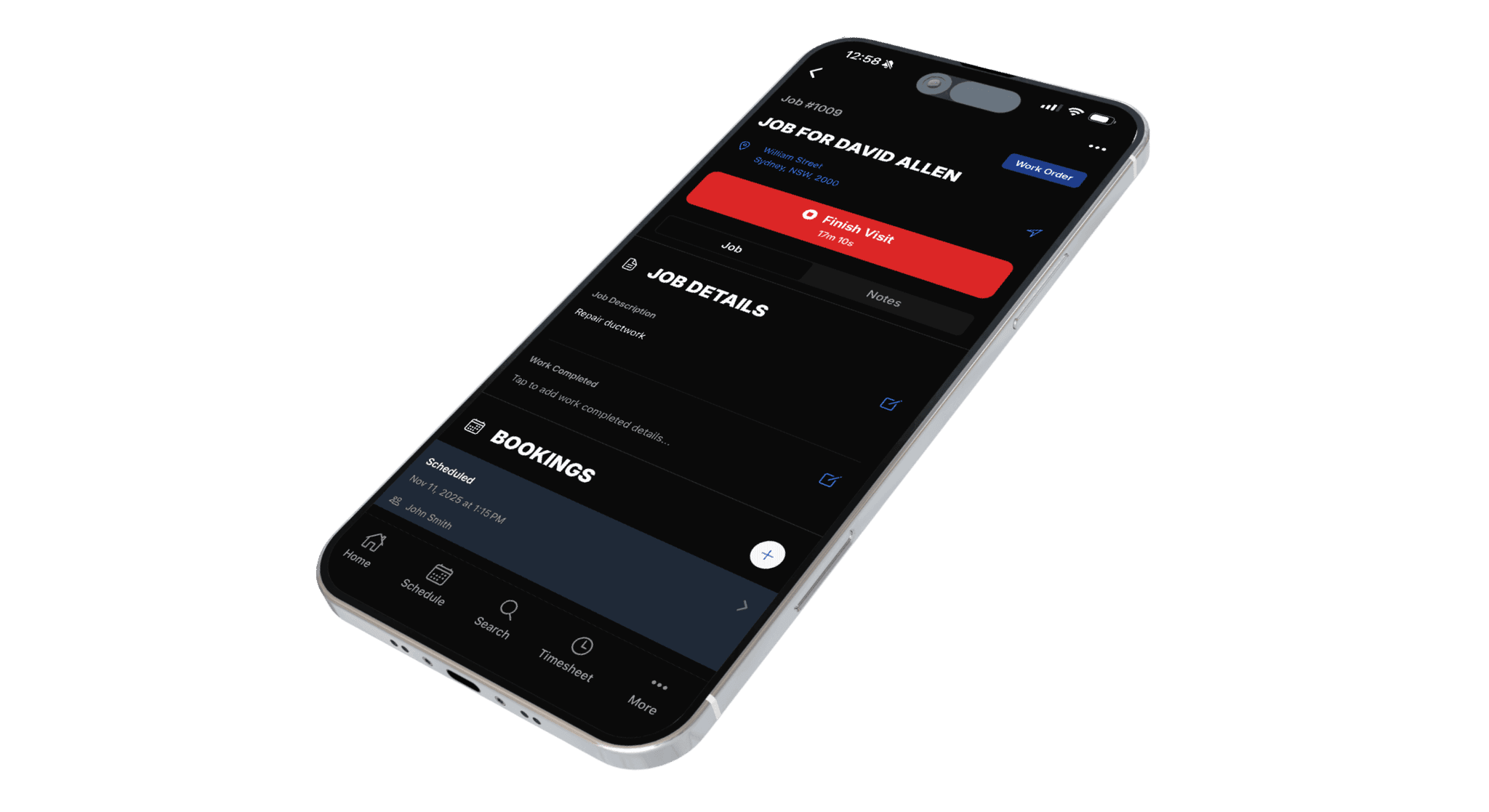
Start and stop timers on jobs from mobile or web. Track time spent per job for accurate labour billing and job costing. Export timesheets by staff and date range.
- Start/stop timers on jobs
- Track time per staff member
- Manual timesheet entry
- Billable/non-billable flags
- Export timesheets by date range
- Labour cost on every job and in the Job profitability report
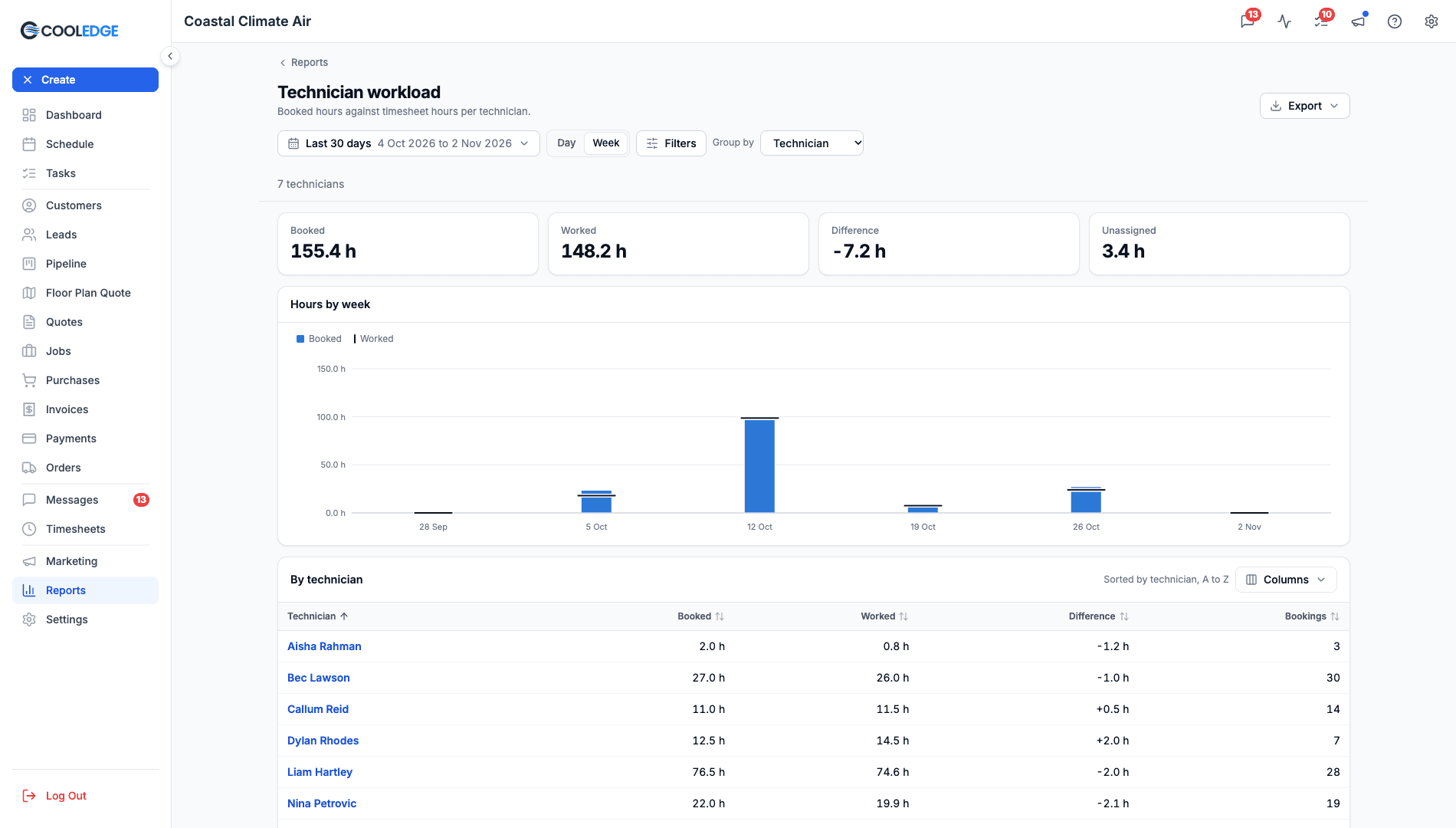
- Booked hours against timesheet hours in the Technician workload report
- Contractors paid by the job left out of labour costs
See where the hours went
The Technician workload report puts the hours you booked for each person next to the hours they logged on timesheets. Owners and admins can see it on every plan.
- Booked, Worked and Difference for each technician
- Bookings with nobody on them get their own Unassigned row
- Group by technician or by period, by day or by week
- The account owner can export it to CSV or PDF
Start/Stop Timers
One-tap timer start from job screen on mobile or web portal.
Manual Entry
Add manual timesheet entries for past work or adjustments.
Reports & Export
Filter by staff and date range. Export to CSV for payroll.
Job Costing
Finished timesheets are costed on every job at each person's rate. The Job profitability report shows it across all your jobs.
Ready to streamline your business?
Try free for 14 days. Create professional quotes and manage jobs in minutes.
Cancel anytime.